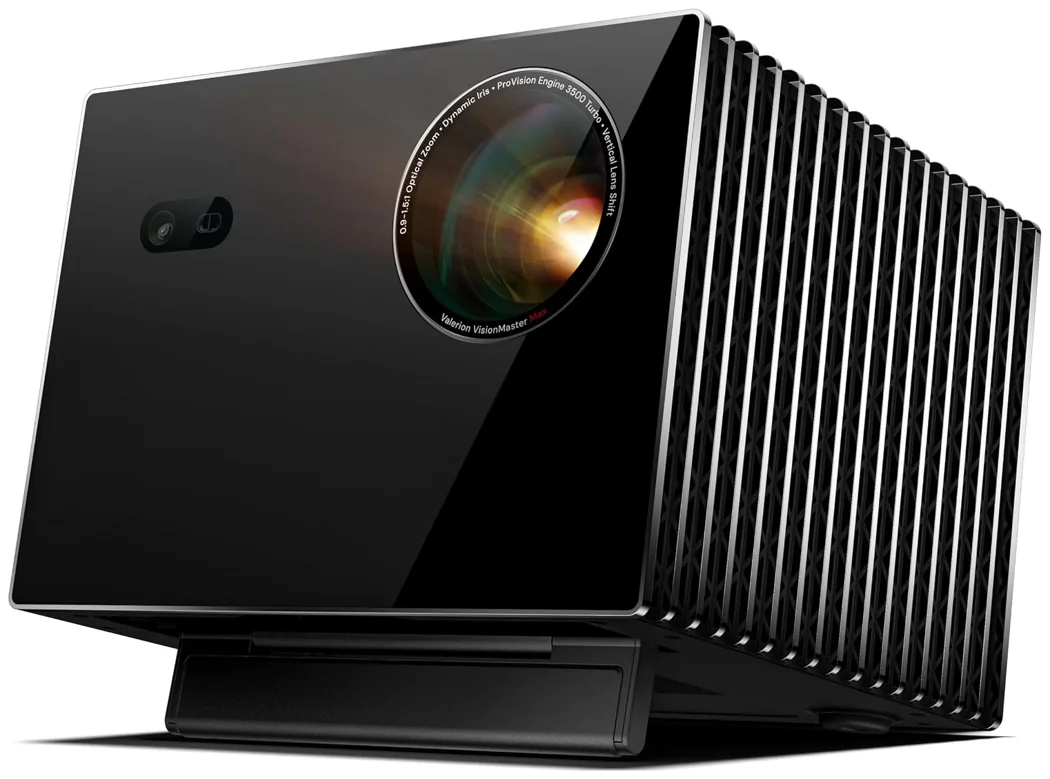
The VisionMaster Max gives a large-screen room more freedom over projector placement. Its optical zoom changes image size from a given position, and vertical lens shift helps align the picture without tilting the body. A 4K triple-laser light engine and Bluetooth audio support make it a candidate for a dedicated movie room with an existing sound system.
Display resolution: 4K UHD
Placement and setup: Vertical optical lens shift
Bluetooth: 5.2
Valerion VisionMaster Max at a glance
Choose the VisionMaster Max when the shelf or ceiling mount has to stay in one place. Its optical adjustments address a common planning problem: getting a centered picture of the intended width from the lens position your room actually allows.
Valerion VisionMaster Max buying considerations
Choose a secure support for a 7.5 kg projector and allow space to reach the inputs. Bluetooth headphones are an option for individual viewing; for a permanent sound system, plan the cable route at the same time as the mount.
Valerion VisionMaster Max specifications
Specification
Valerion VisionMaster Max
Display resolution
4K UHD
Bluetooth
5.2
Placement and setup
Vertical optical lens shift
Rated brightness
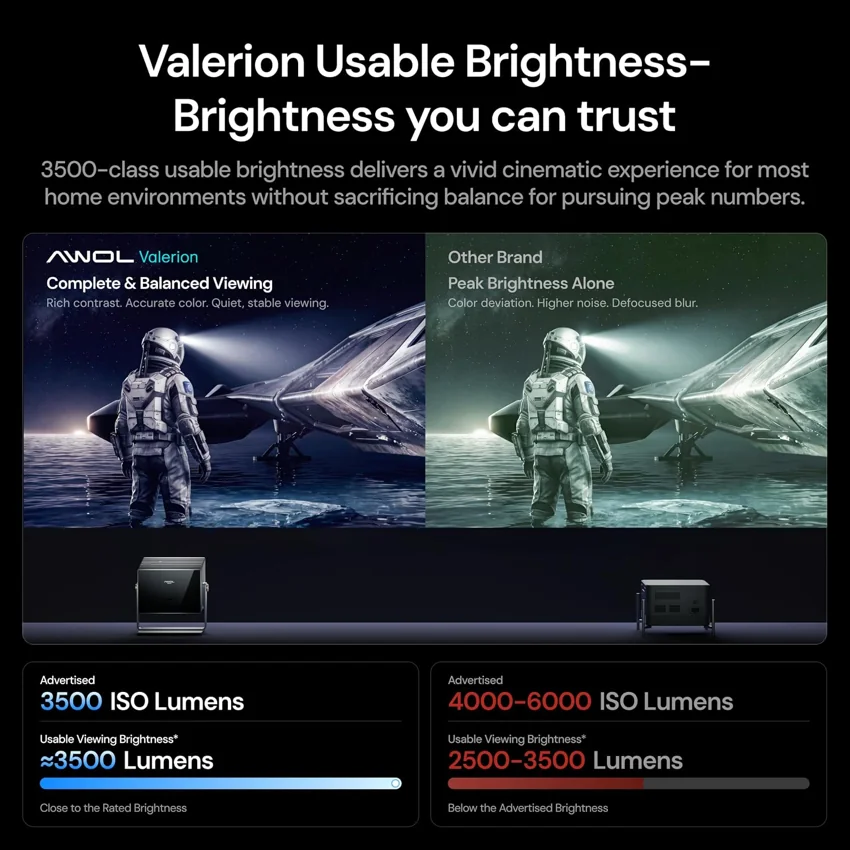
3,500 ISO lumens (manufacturer rating)
Weight
7.5 kg
Light source
RGB triple laser
Throw ratio
0.9–1.5:1 optical zoom
Bluetooth supported
Yes
Setting up the Valerion VisionMaster Max
The 0.9–1.5:1 optical range gives a useful placement calculation. For a 2 m wide screen, the lens can be roughly 1.8–3 m away. Check the manufacturer’s installation guidance before drilling, especially when using vertical lens shift.
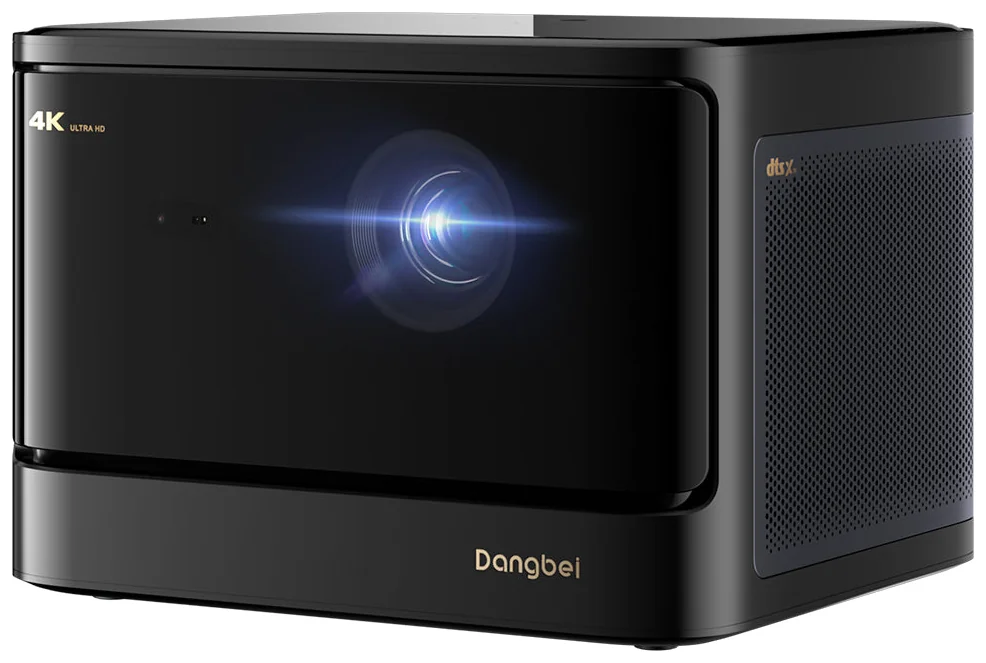
The DBOX02 is a 4K laser projector for a room with space between the lens and the screen. Google TV supplies onboard streaming, while the pair of HDMI inputs leaves room for disc playback or a console. Built-in stereo speakers can get a setup running before you connect a compatible home theater sound system.
Can the VisionMaster Max send audio to Bluetooth headphones?
Yes. Valerion documents Bluetooth 5.2 headphone and speaker output for the Max. Put the audio device in pairing mode and select it under Remotes & Accessories.
How does optical zoom help position the VisionMaster Max?
Its 0.9–1.5:1 throw-ratio range allows more than one lens position for the same picture width. Multiply the screen width by the endpoints to estimate the usable distance range.

 Dangbei